
 Clem
You go quick. I'll keep track.
I ate paste in grade two. Some of it stayed. Now everything sticks to me. Your screenshots, whatever you copied this morning, that thing you lost Tuesday. Got some of 'em in jars. Holler when you want something.
I bunk up in that menu bar of yours. Tight in here for a fella my size, but I manage.
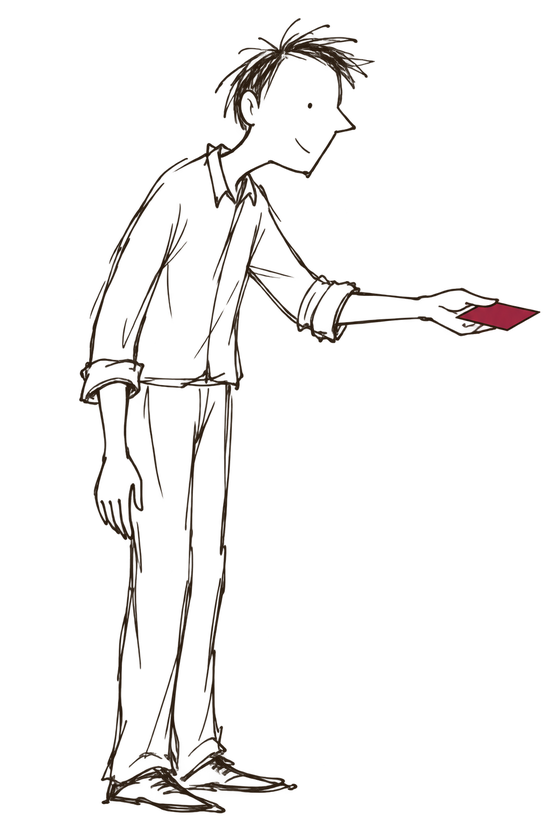
Find it. Share it. Keep it. Jar it.
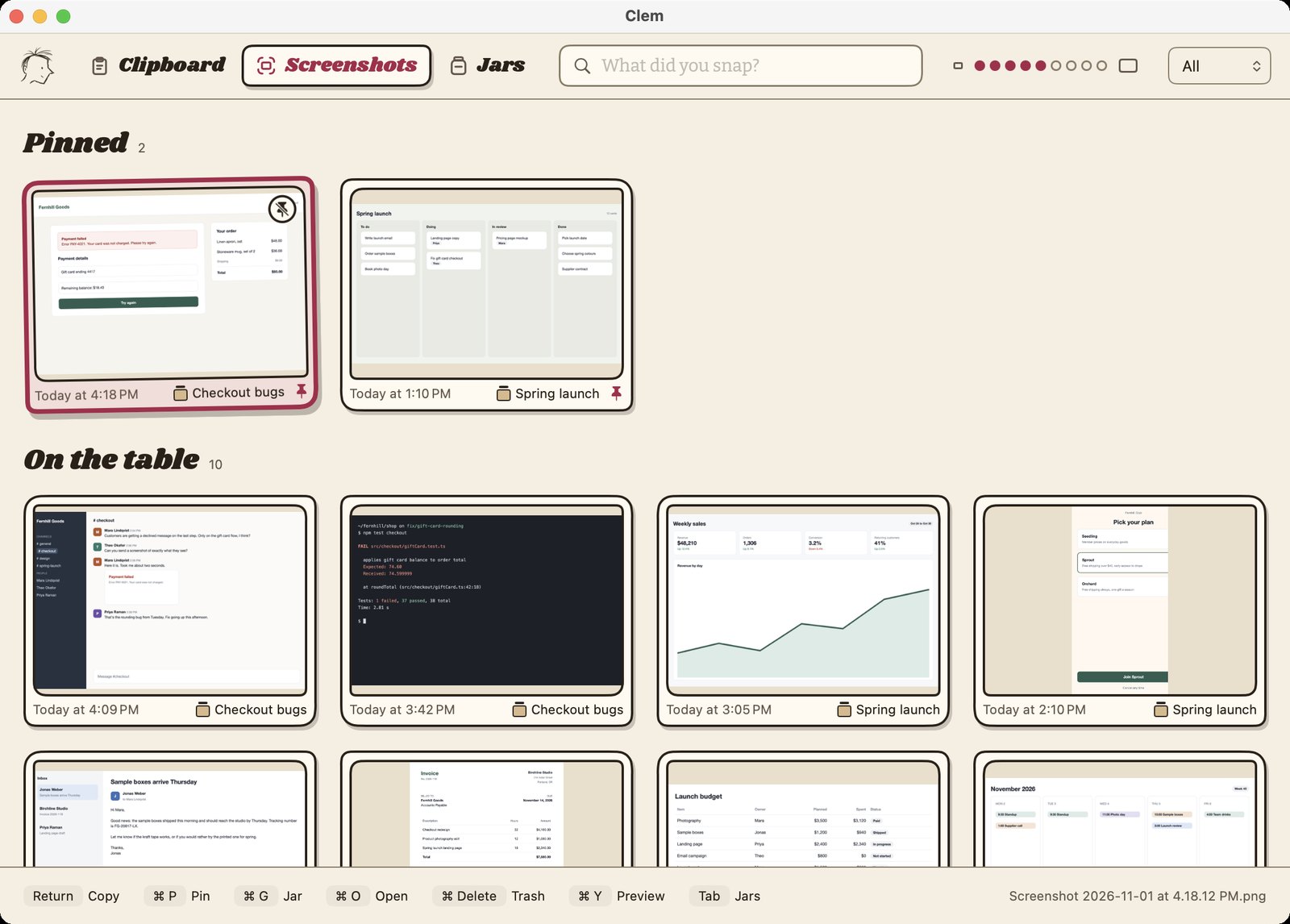
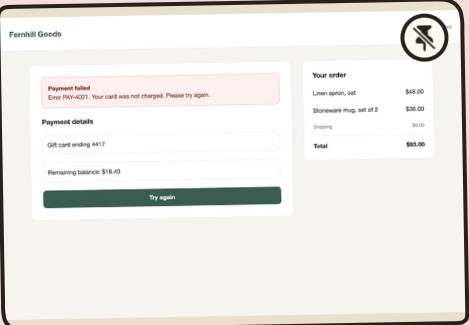
You grabbed one a while back. Keep an eye on the red one.
Find it
- Press ⌥ ⌘ S and every screenshot is laid out, newest first.
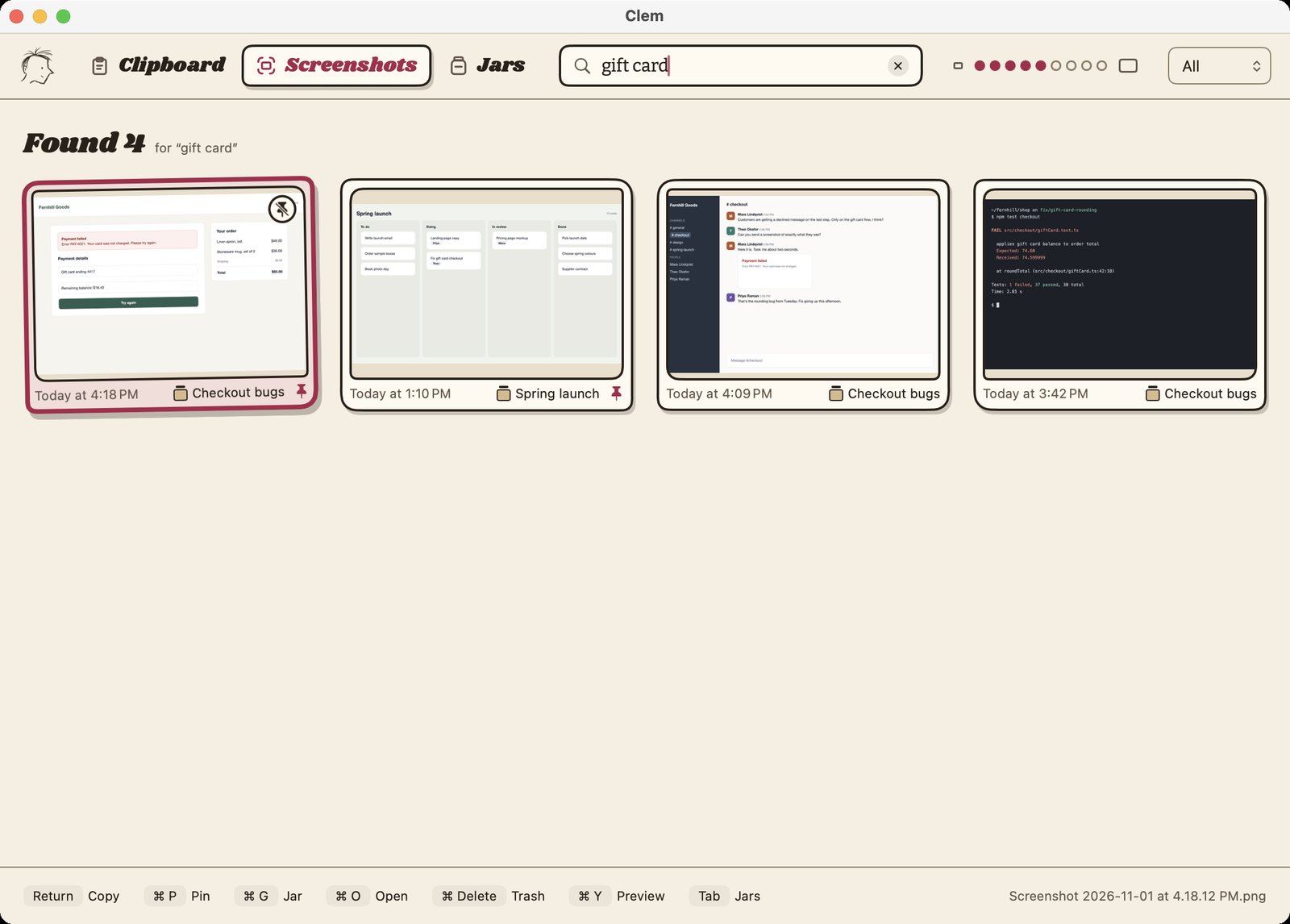
- Type a word you remember from it, even one inside the picture, and I'll find it.
Share it
- Hit ⌘ ↩ and it lands right where you were typing, in whatever app.
- Just took it? ⌥ ⌘ V skips the search and pastes your newest screenshot.
- Nothing to set up. I know where your Mac keeps them.
Keep it
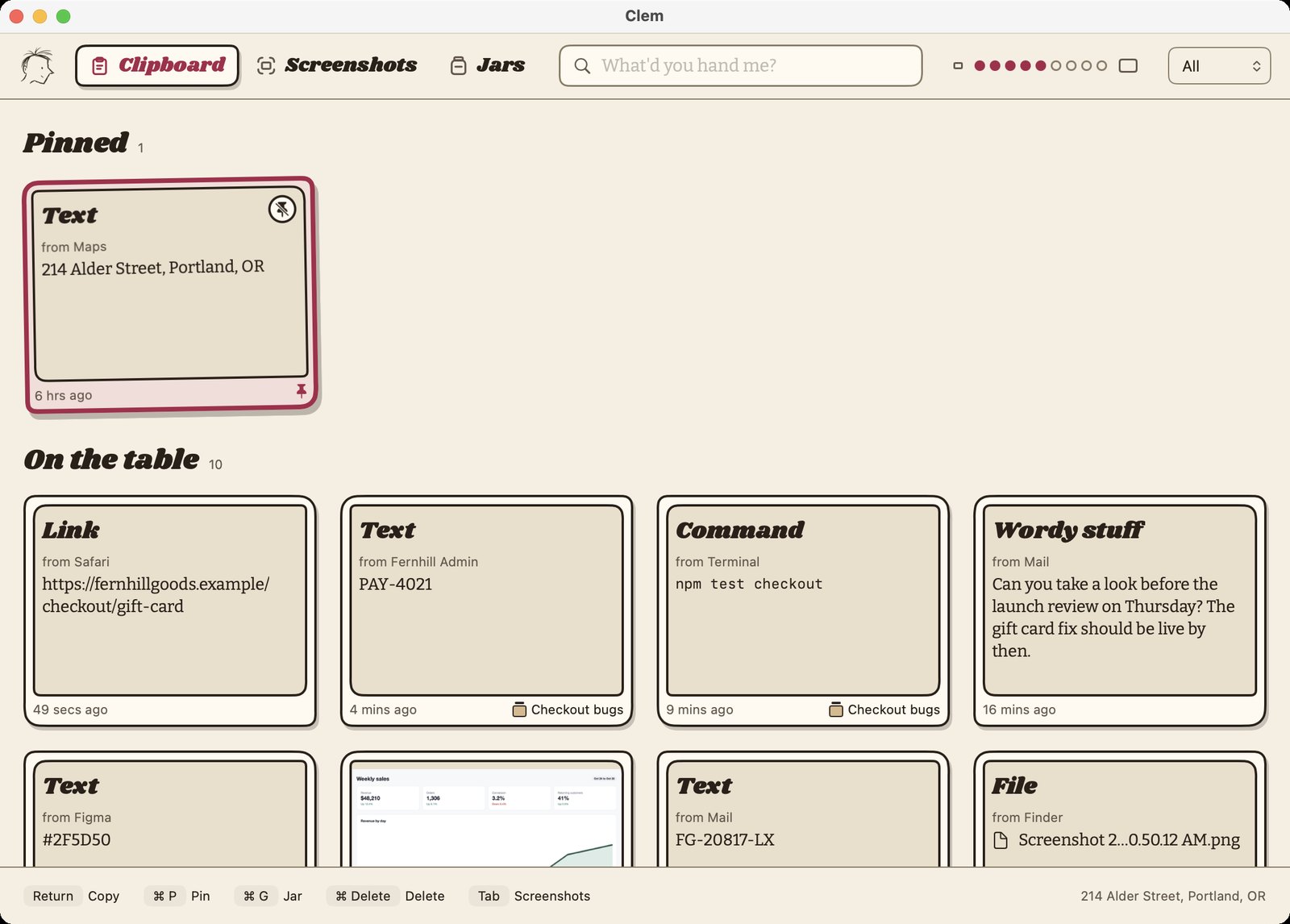
- That was screenshots. I keep what you copy, too. Press ⌥ ⌘ C and it's all there, newest first: links, text, commands and files.
- Every card says where it came from.
- Pin the ones that matter and I won't let go of them.
Jar it
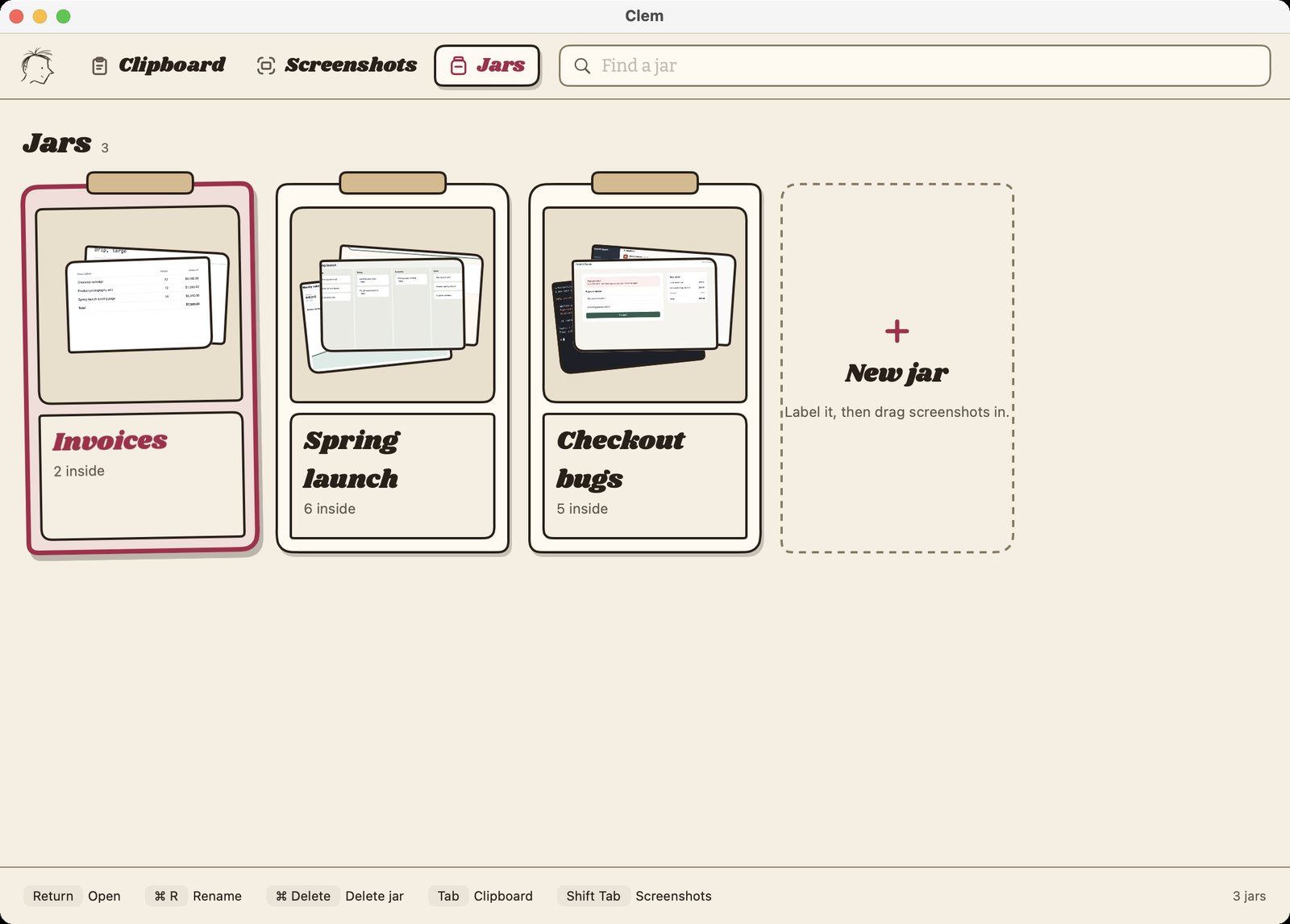
- Give each thing you're working on its own jar. Screenshots and clips go in together.
- Press ⌘ G to drop what you're looking at into one.
- Open a jar and it's all there, ready to search.
Ate it, kept it, found it.
Whatever you hand me sticks. Ain't lost nothin' yet.
Stays on this Mac.
No account, no sign-in, no cloud. Your screenshots, clips and jars stay right here.
Your history is stored on your Mac, and Clem doesn't encrypt it. Clem may send anonymous usage and crash reports so the folks who made it can fix things, but never your stuff. The privacy statement has the rest.
- Clem never keeps passwords from password managers: 1Password, Bitwarden, Dashlane, KeePassXC and Keychain.
- Name any other app for Clem to ignore.
- Turn images off, or pause or clear history in one click.
I tuck my knees and keep out of the way.
Free. Really.
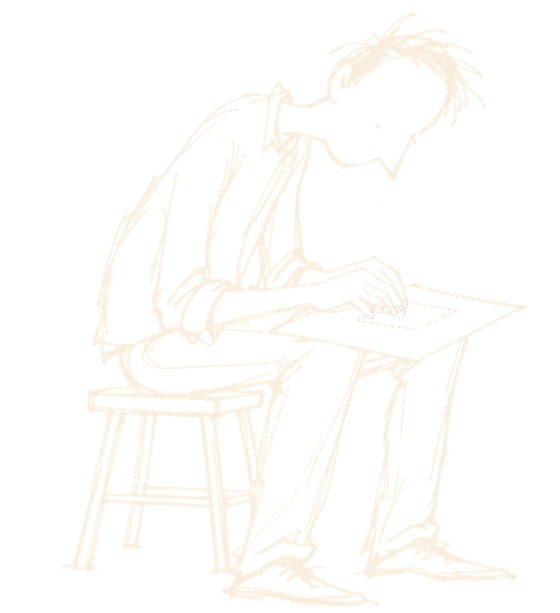
No subscription, no ads, no account. What would I do with money? I got a stool.
Go on, hand it over.
Clem News
New versions and the odd note from Heartbred Studio. Leave your email if you'd like them. Unsubscribe any time.
You're on the list.